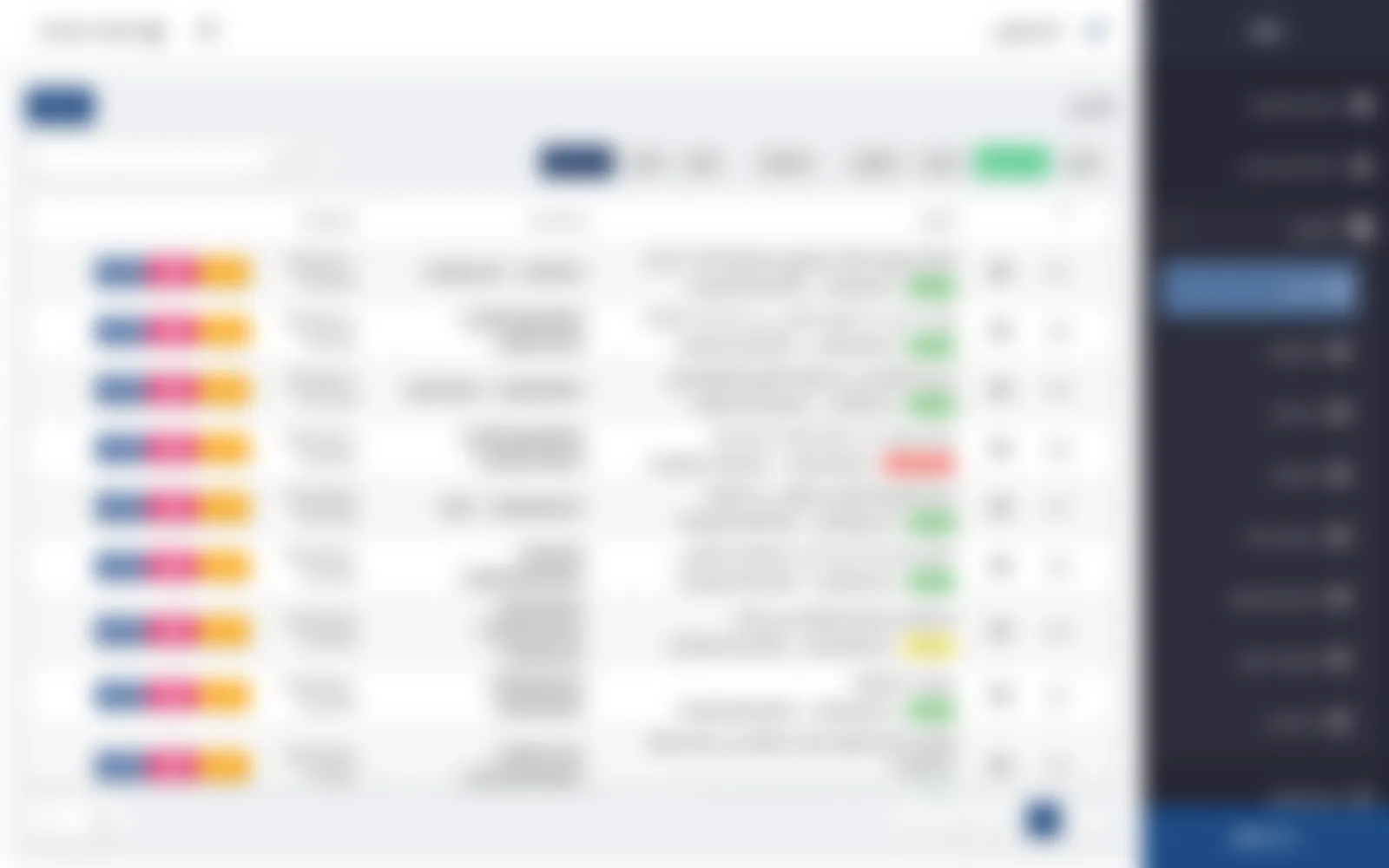
The admin panel of AL Muraba’s headless CMS. Admins design their own content types, and editors publish in Arabic, Kurdish and English.
Frontend developer · v2 redesign
Blurred on purpose: client work under NDA
Its status
The buttons add 12 kinds of field
Categories
The story in CKEditor 5
The images already attached to the entry
Its own table of child entries
Can add and edit News but not delete it
Blurred on purpose: client work under NDA
Its status
01 / 07
Overview
What it is
AlMuraba CMS is AL Muraba’s own headless content management system, and this is its admin panel: an Arabic, right-to-left Vue 2 app. Admins define content types in a visual builder, and each type gets its own list, editor, statuses and permissions, while editors publish in Arabic, Kurdish and English. I led its v2 redesign and refactor and built its nested-content feature.
The buttons add 12 kinds of field
02 / 07
What it does
Content types without a developer
The content-type builder. Each field has a name in three languages, a slug, a type, a column width, a default value and a required flag. The buttons add 12 kinds of field and 5 rich blocks: editor, multi-editor, slider, files and table.
Categories
03 / 07
What it does
One entry, three languages
Editing an entry. A side column holds the view count, the pinned and featured flags, slug, categories, status, publish date and time, and expiry date. Next to it are tabs for Arabic, Kurdish and English.
How I built it
A shared CRUD dialog with three save modes, built on reusable mixins
The story in CKEditor 5
04 / 07
What it does
The type's fields as a form
The News type turned into a form. The fields defined in the builder come first, then the story in CKEditor 5, which has a button for inserting images from the library.
How I built it
A custom CKEditor 5 build inside dialogs, with an insert-from-library button
The images already attached to the entry
05 / 07
What it does
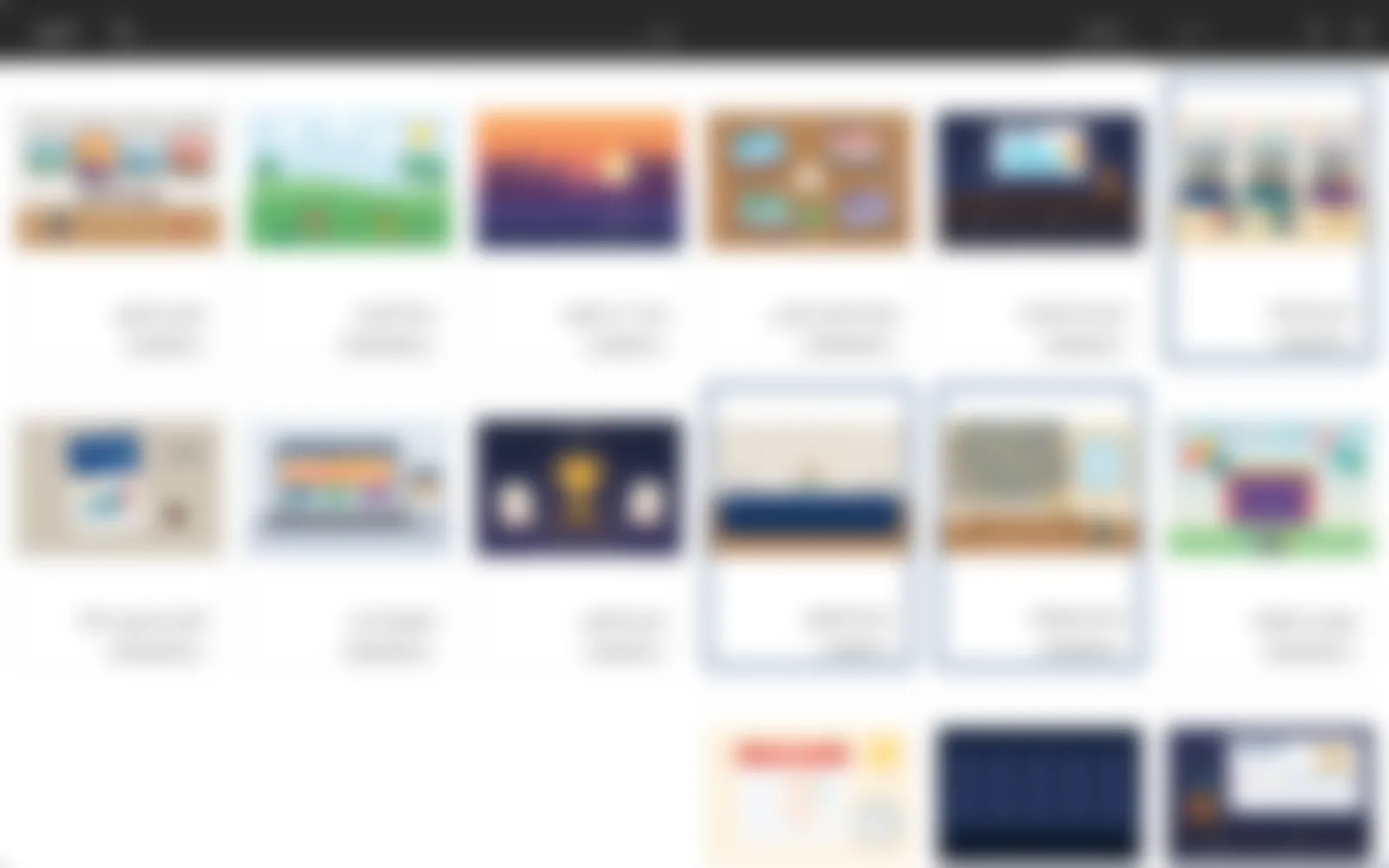
The library opens from any entry
The media library, opened from an entry. It has search, shows the uploader on every image, and puts a blue border on the images already attached to the entry.
Its own table of child entries
06 / 07
What it does
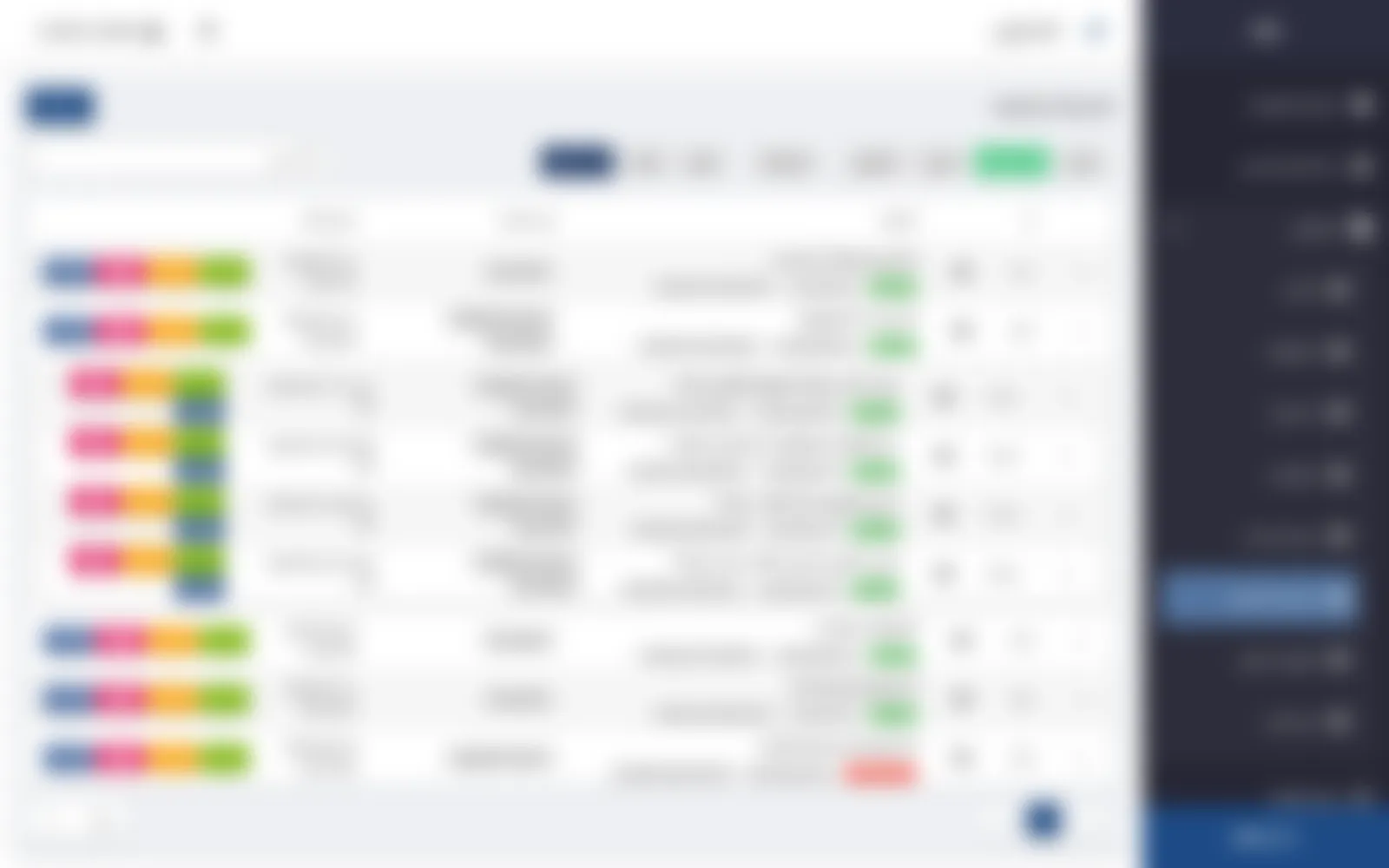
Parents and children in one table
Nested content. Each FAQ section expands into its own table of child entries, which loads only when the row is opened.
How I built it
A recursive Vuetify data table that lazy-loads child rows by parentId
Can add and edit News but not delete it
07 / 07
What it does
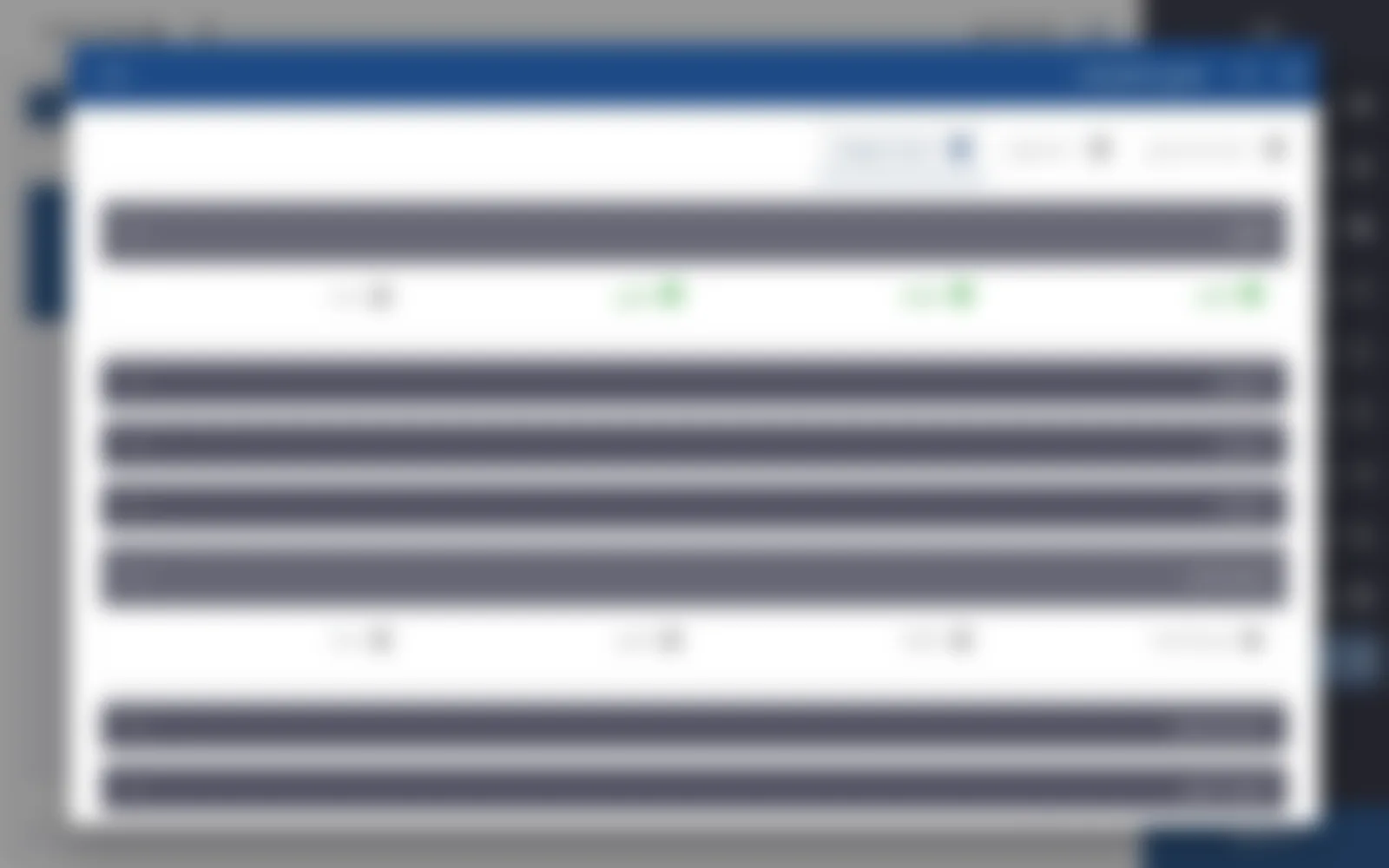
Permissions per content type
Permissions for the Editor role, with one tab per group and permissions per content type. This role can add and edit News but not delete it, and it cannot reach the Services guide.